About Grass
Grass is a platform that allows users to monetize their unused internet bandwidth.
To use Grass, users simply need to install Grass extension on your PC and connect to the Wynd Network. Businesses can then purchase access to unused network resources, and Grass will collect a portion of the payment and distribute it to users as “Grass points”.
Grass Airdrop Potential
The Grass token has already been confirmed, and there is a high possibility of an airdrop. This is mentioned in the FAQ. Currently, it is in the phase of earning Grass points, so it is a good idea to do it early.
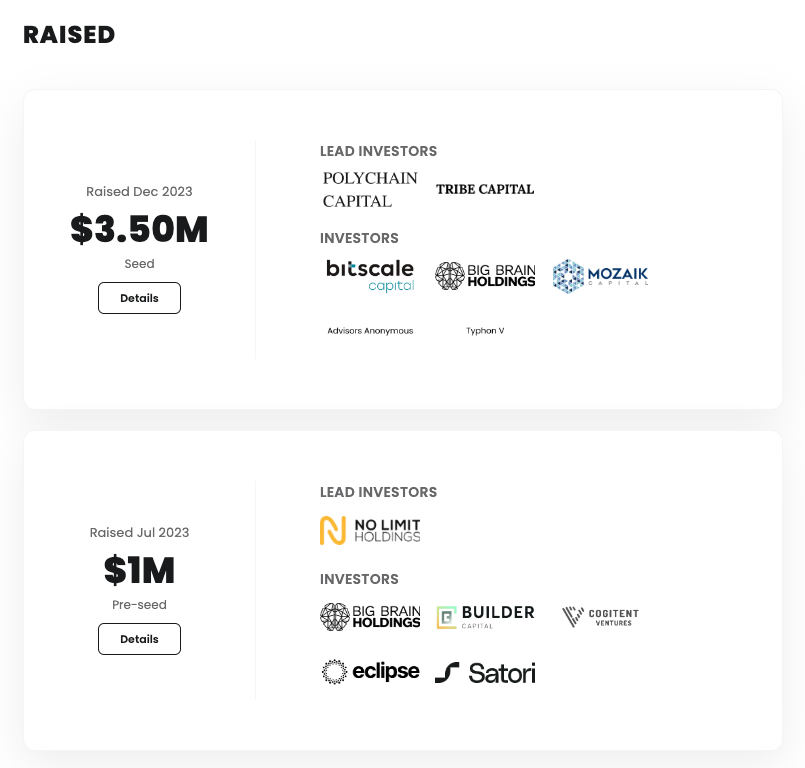
Grass has raised $4.5 million in funding from investors such as Polychain Capital and No Limit Holdings. By the way, the founder of No Limit Holdings is a director of Binance US and a director of CoinMarketCap.
Grass Airdrop Guide
- Register for Grass
- Install Chrome extension
- Connect
1. Register for Grass
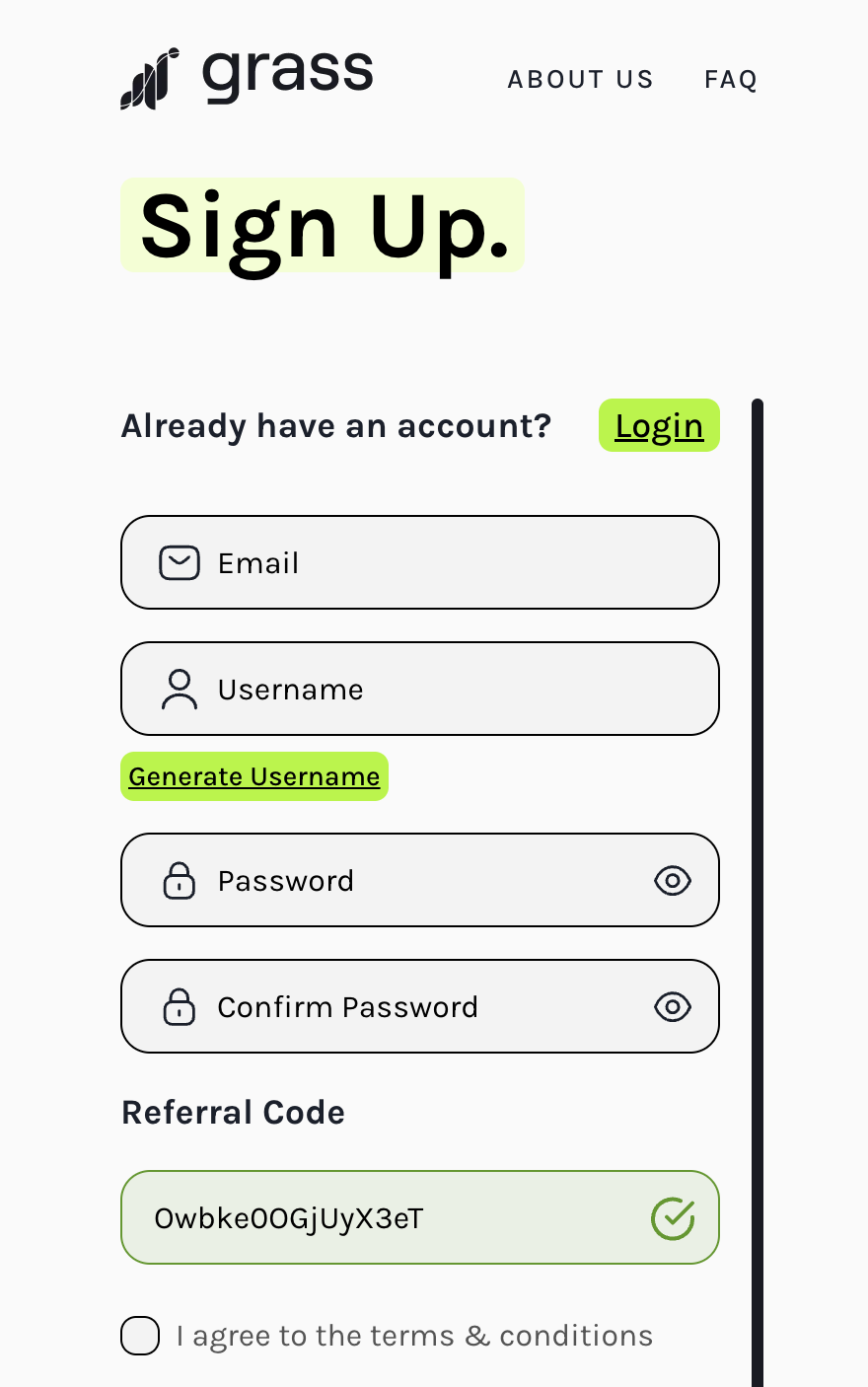
To register, enter your email address and password. Currently, you cannot register without an invitation code. If you have one, please use the following invitation link. When you access the invitation link, the invitation code will be automatically applied.
Referral Link:https://app.getgrass.io/register/?referralCode=Owbke0OGjUyX3eT
Referral Code:Owbke0OGjUyX3eT
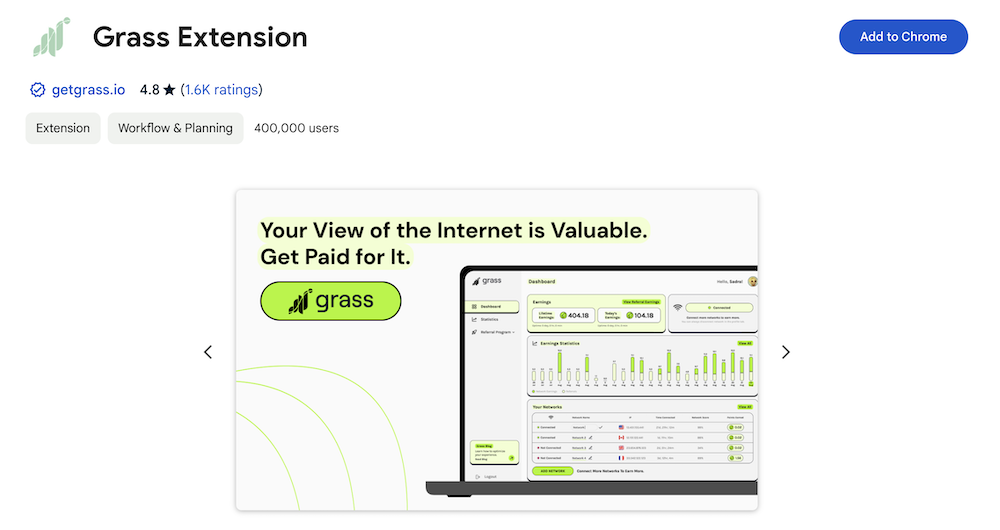
2. Install the extension
Once you have installed the extension, please log in with your registered email address and password.
3. Connect
If the installation is complete and you are automatically connected, you don’t need to do the following. If you are not connected, please try the following.
- Open the extension.
- Click Reconnect from the menu in the upper right corner.
- If you are connected successfully, check the Grass dashboard.
- Grass points will automatically increase.
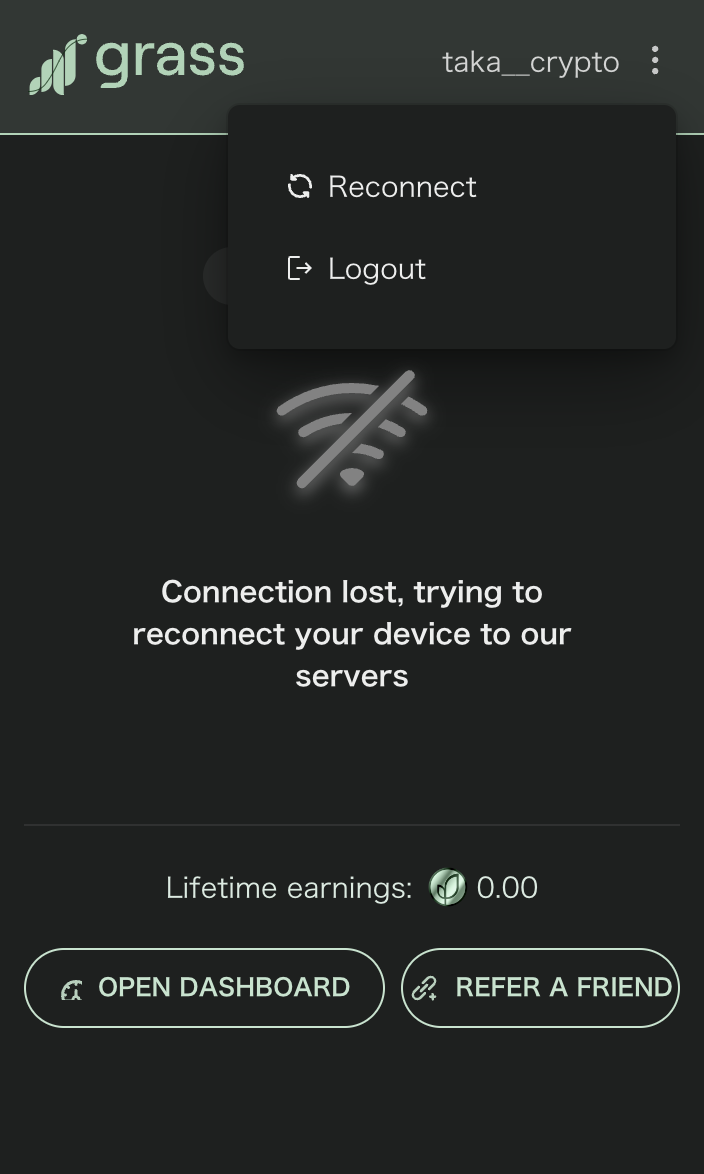 Open the extension and click “Reconnect” from the menu in the upper right corner.
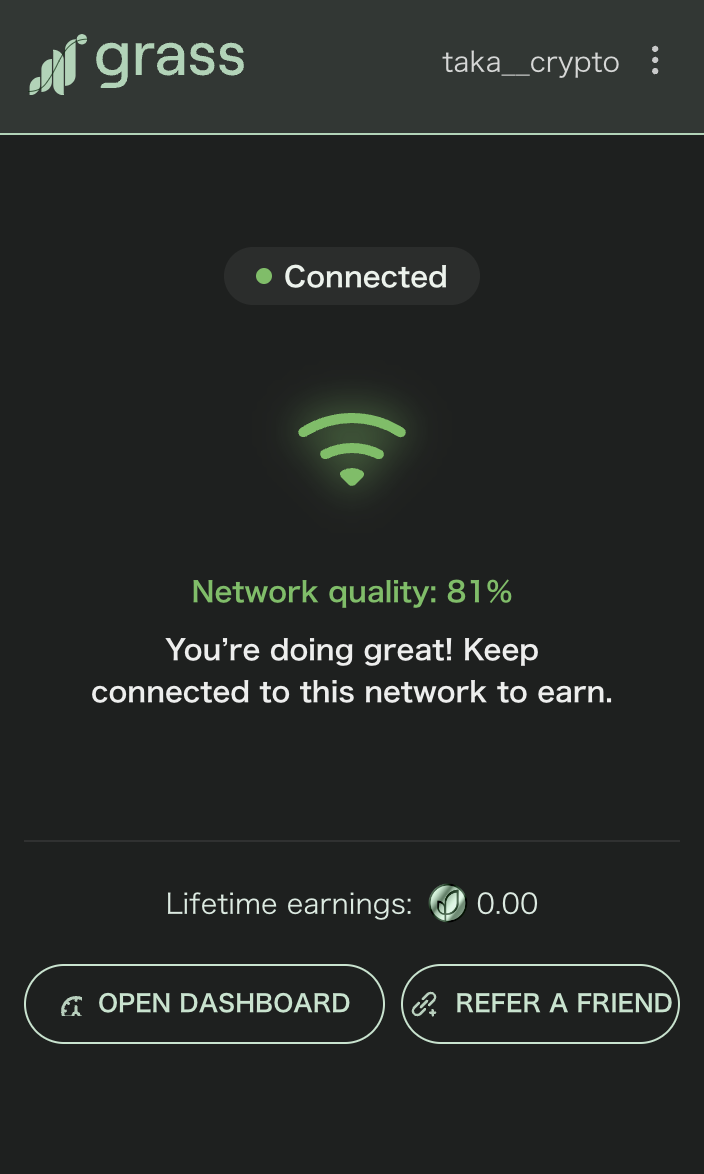 The state of being connected successfully.
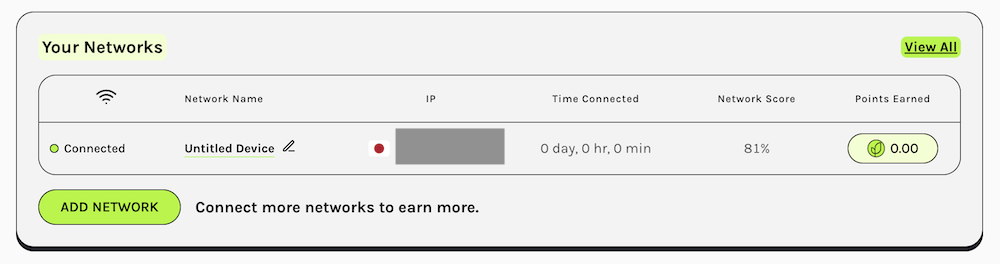 It can be confirmed that the connection is successful.
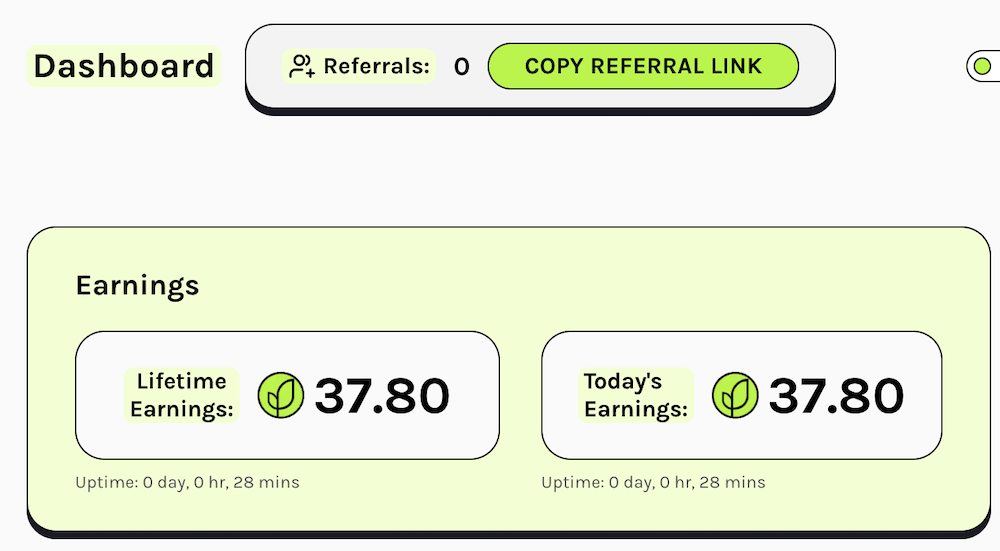 It can be confirmed that Grass points are increasing.